

How to we remove the background ?
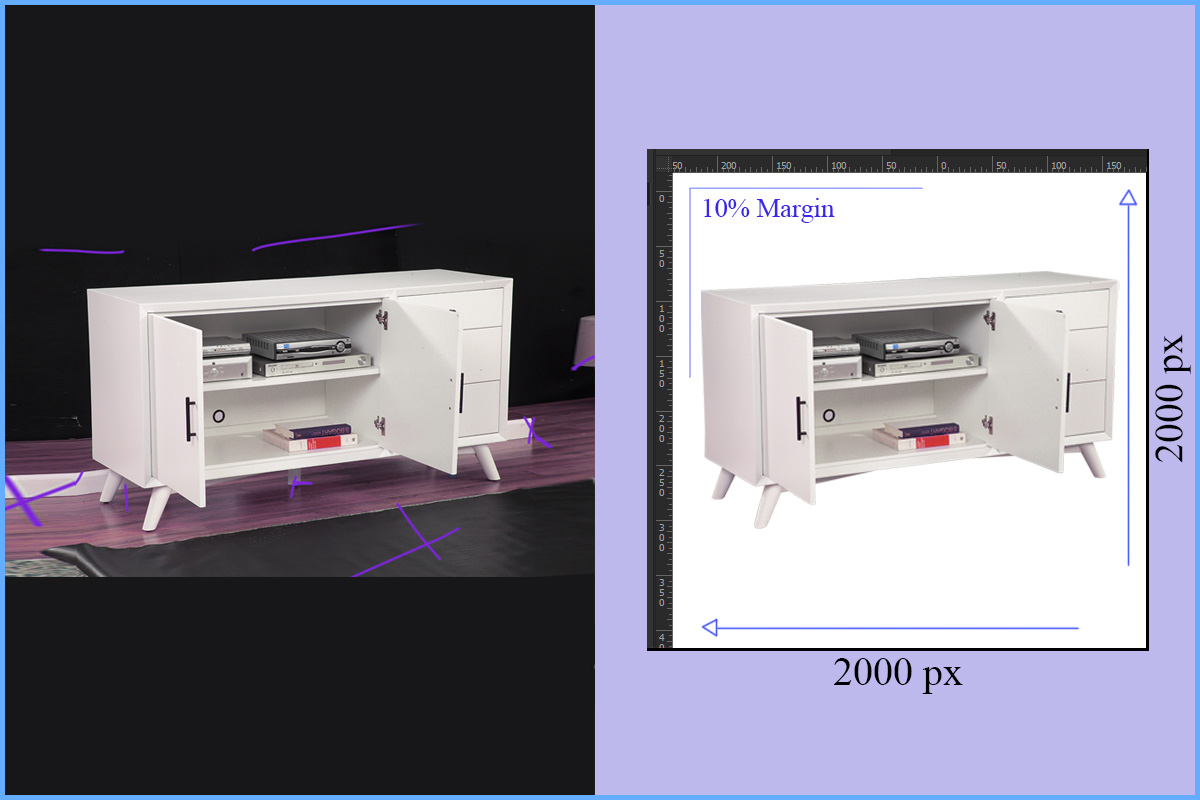
A popular method for selling e-commerce products today is to remove the background of the product and make the product visualize to the customer we do this with Adobe Photoshop. Our skilled designers professionally do this job perfectly. We use different methods to remove the background. Apart from this, there are different ways to remove the background in Photoshop. We manually remove the background by using the pen tool. We also use the background erase tool in case of mesh or hair. We call it masking. Another popular tool is the Magic Wand tool and the Eraser tool is used to remove the background. Check out our Background Removal Services
Let’s see some background removal steps:
- Open your image in Photoshop.
- Select the Magic Wand tool from the toolbar on the left side of the screen.
- You may need to adjust the tolerance level of the Magic Wand tool to get the desired selection. You can do this by adjusting the tolerance value in the options bar at the top of the screen
- Once you have the desired selection, press the “Delete” key on your keyboard. This will remove the selected pixels from the image.
If there are any remaining unwanted areas or pixels, you can use the Eraser tool to remove them.
Clipping wave use more advanced methods such as the Pen Tool, Layer Masks, or the Select and Mask tool.
We hope this tutorial helps make you understand everything about background remove. please follow our blog to get more Photoshop tutorials.
No Comments